
Removing your account
Guide
This guide explains how to delete your TaxNav account. You must cancel your subscription before you can delete your account, so Step 1 covers the cancellation and Step 2 covers the deletion. Please follow them in order.

Before you start
Cancelling your subscription or deleting your account does not change any obligations you may have with HMRC under Making Tax Digital for Income Tax. Before you proceed, please make sure you have submitted any outstanding updates and saved or exported any records you need to keep, as access to your data may be lost once the account is removed.
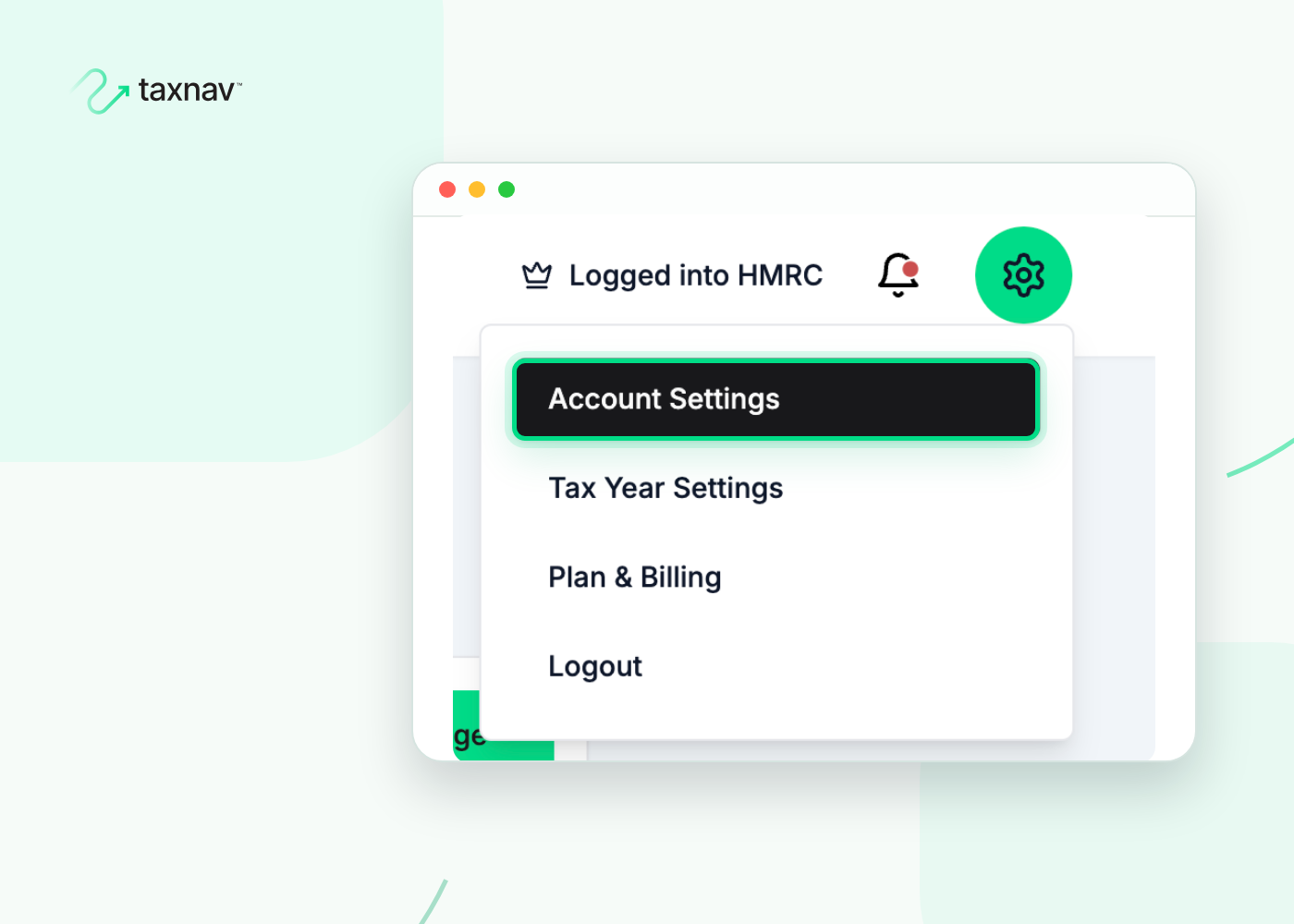
Step 1: Open your
Account Settings
Select the settings icon at the top right of the page, then go to 'Account Settings'.
Step 2: Cancel your subscription
In the left-hand menu, select 'Danger Zone', then 'Cancel my subscription', and confirm via Stripe.
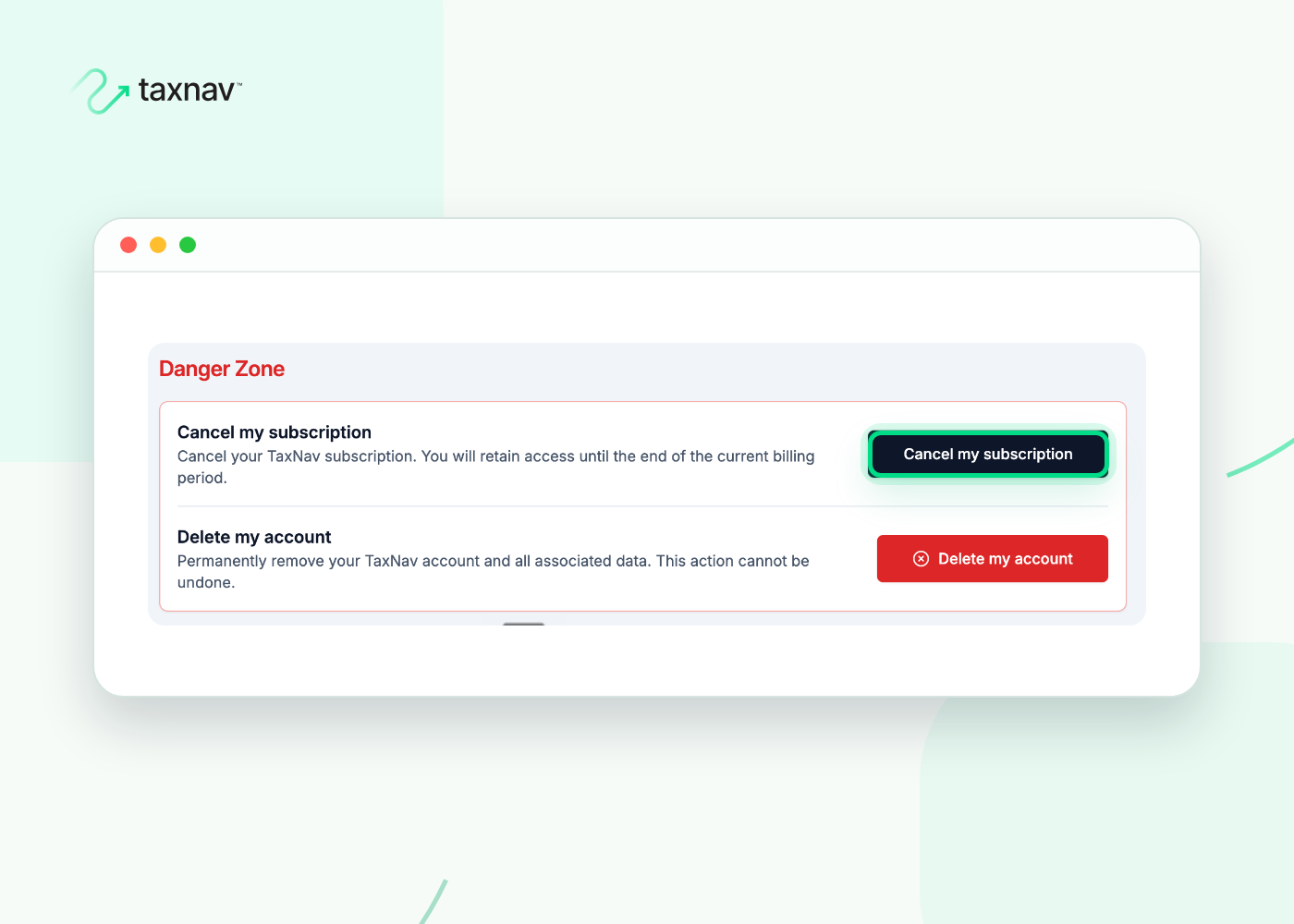
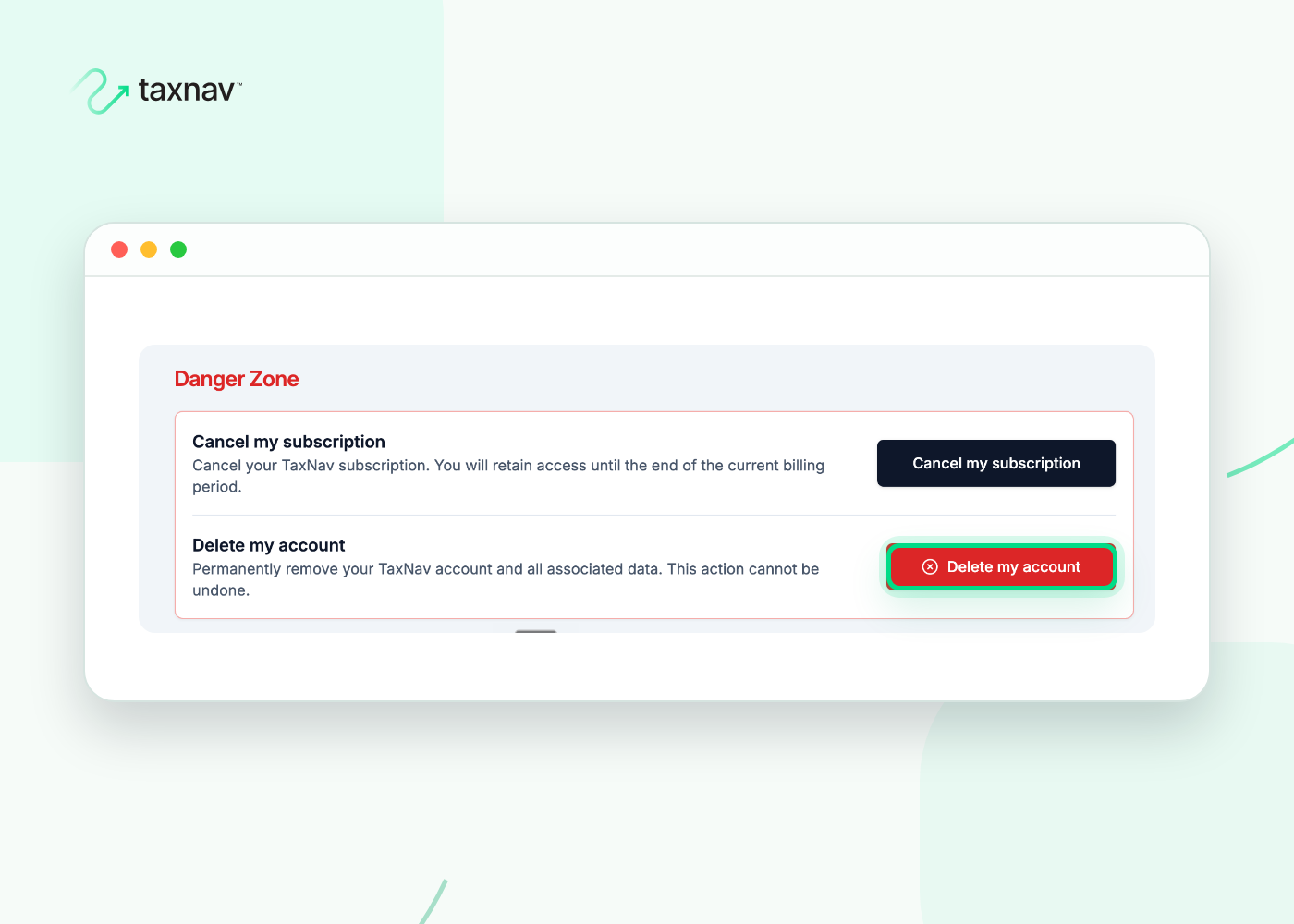
Step 3: Delete your account
Back in 'Danger Zone', select 'Delete my account' to open the separate deletion page.
Step 4: Confirm
Follow the on-screen prompts to confirm. Your account and associated data will then be removed.
