
Using Excel for Making Tax Digital? With TaxNav, you don't have to give up your spreadsheet.
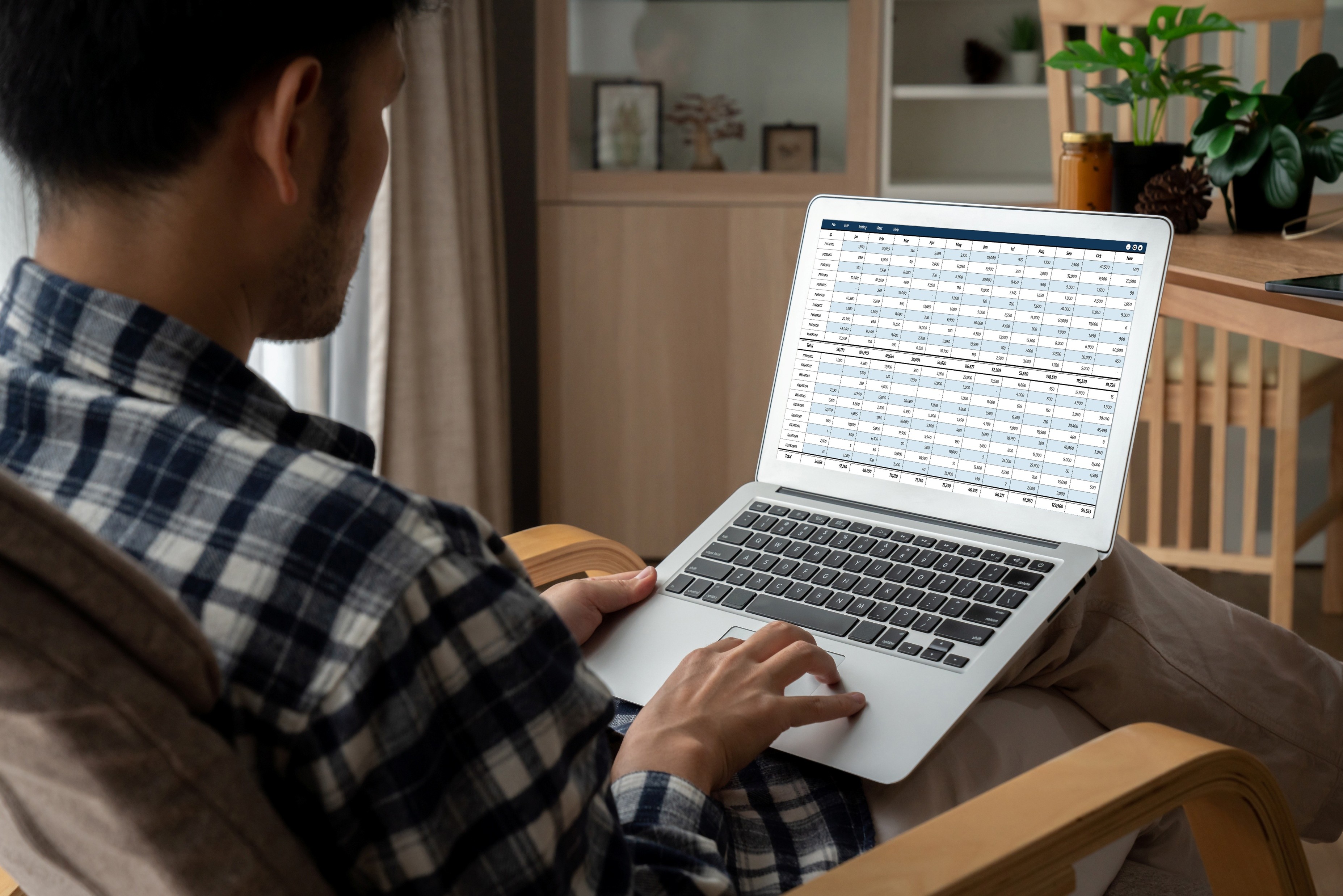
Under MTD IT, you are required to submit approximately four updates per business or property each year — one per quarter. These submissions do not need to be wholly accurate; they represent year-to-date figures that provide HMRC with a rolling picture of your income and expenditure as the tax year progresses. A final end-of-year declaration is then used to confirm your actual figures.
TaxNav allows you to continue using your current spreadsheets
TaxNav is designed to work alongside the spreadsheet you already use. Upon registration, you gain access to TaxNav-prepared Excel templates built specifically for MTD IT compliance. If you would prefer to continue using your existing spreadsheet, TaxNav provides a simple supplementary sheet that lets your current data flow through directly. TaxNav is compatible with Excel, Google Sheets and Apple Numbers, so regardless of which spreadsheet tool you currently use, there is no need to change your working practices.
In either case, TaxNav creates the digital link required by HMRC, handles quarterly submissions, tracks your deadlines and files your year-end return, all from your browser with no software to install.
The result is that you remain in control of your data, within the tool you are already familiar with, whilst TaxNav manages the compliance around it. It is listed on HMRC's recognised software list, so there is no doubt that it meets the necessary technical requirements.
See it in action: watch our step-by-step guide to using your spreadsheet with TaxNav.
HMRC's official position on spreadsheets under MTD IT
HMRC does permit spreadsheets such as Excel for MTD IT, but Excel alone cannot submit information directly to HMRC. Spreadsheets lack the API connection required to communicate with HMRC's systems.
According to HMRC's official MTD IT guidance, you can use bridging software to connect to your existing records, such as those held in spreadsheets. The guidance explicitly states that if you use spreadsheets to record income and expenses, bridging software can connect to them and make your submissions to HMRC.
This creates two viable options:
- Basic Spreadsheet Software + bridging software: keep your spreadsheets and use bridging software solely to submit to HMRC.
- Spreadsheet Software + comprehensive MTD software (like TaxNav): import your Excel data into software that handles submission, validation, and tax planning in one place.
HMRC expects all data to move electronically through approved digital links from your spreadsheet through to submission. You cannot copy and paste figures or enter them manually. Manual re-entry of data from spreadsheets into HMRC systems is not accepted.
The same principle applies if you use Google Sheets or any other spreadsheet programme. The software is acceptable for record-keeping, but you will still need MTD IT-compatible software to create the digital link and submit to HMRC.
What "MTD IT compliant" means and what HMRC requires
Being MTD IT compliant means meeting two core requirements:
- Digital records. You must maintain digital records of all income and expenses. A spreadsheet counts.
- Digital submission. You must submit quarterly updates and a year-end return to HMRC through MTD IT-compatible software, with digital links throughout the entire process.
Since April 2026, businesses earning over £50,000 from self-employment or property have been required to submit quarterly year-to-date updates of income and expense totals to HMRC within 1 month of each quarter-end and file a year-end tax return through MTD IT-compatible software.
Who is affected — and who is exempt?
MTD IT is being phased in based on qualifying gross income from self-employment and property:
- April 2026: qualifying income over £50,000 (now in effect)
- April 2027: qualifying income over £30,000
- April 2028: qualifying income over £20,000 (expected)
All dates and thresholds are confirmed in HMRC's Making Tax Digital for Income Tax guidance. Note that MTD IT is based on gross income, not profit or turnover from a VAT-registered trade — a common point of confusion.
Certain individuals may qualify for exemptions based on age, disability, religious reasons, or geographical location. Full details are available in HMRC's exemptions guidance.
How bridging software helps spreadsheets comply with MTD IT
Bridging software remains an HMRC-approved solution for MTD IT compliance. HMRC's guidance page lists it as one of two main types of MTD IT-compatible software, describing it as software that connects to your records. All approved options, including bridging tools, appear on HMRC's official recognised software list.
A digital link is an electronic transfer of data between software programmes, or between software and HMRC. Copy-and-pasting is not a digital link. Importing a file or connecting through a bridging tool is.
In short: if you want to keep your spreadsheet, you need bridging software or comprehensive MTD software that can read your spreadsheet data and submit it to HMRC on your behalf.
Limitations of basic Excel-only bridging and how TaxNav helps
Spreadsheet systems combined with basic bridging software, whilst legally compliant, have inherent limitations:
- No automatic validation before submission
- No deadline notification system
- Manual calculations without built-in checks
- No automatic expense categorisation
- Limited capability for handling multiple income sources
- Complete responsibility for submission preparation and timing
For many sole traders and landlords, these gaps make basic bridging a risky long-term strategy, particularly with quarterly deadlines to manage.
TaxNav is listed on HMRC's recognised software list, confirming full compliance with all MTD IT technical requirements. It is designed specifically for people who want to continue using their spreadsheet.
Excel integration. Upon registration, you receive access to TaxNav-prepared Excel templates designed for MTD IT compliance. TaxNav also provides a simple sheet to add to your existing spreadsheet, so you can continue using your current data. TaxNav is compatible with Excel, Google Sheets and Apple Numbers, so regardless of which spreadsheet tool you currently use, there is no need to change your working practices.
- Browser-based. No installation required. Accessible from any device with an internet connection.
- Automated compliance management. Digital record-keeping, quarterly submission preparation, deadline tracking, and year-end returns with automated digital link maintenance.
- Validation systems. Pre-submission error checking, automatic calculation verification, and alerts for incomplete information.
- Tax planning functionality. Identifies potentially overlooked allowable expenses and deductions, with built-in guidance on capital allowances and other tax relief mechanisms.
- Efficiency tools. Auto-categorisation to reduce administrative time. Estimated tax views enable you to see how your tax is calculated.
- Data security. Encryption, two-factor authentication, and GDPR-compliant data handling.
The key difference from basic bridging software: TaxNav goes beyond minimum compliance. It combines the flexibility of keeping your spreadsheet with the assurance of automated validation, deadline management and tax optimisation, without requiring you to move to an entirely new accounting platform.
Frequently asked questions
Can I continue using my Excel spreadsheets for MTD IT? Yes, provided you use MTD IT-compatible software (bridging software or comprehensive solutions like TaxNav) to submit to HMRC. Excel alone lacks the required API connectivity.
Can I use Google Sheets for Making Tax Digital for Income Tax? Yes. Google Sheets counts as a digital record. As with Excel, you need MTD IT-compatible software to create the digital link and submit to HMRC.
What is MTD IT bridging software? Bridging software connects your spreadsheet to HMRC, creating the required digital link so you can file quarterly updates and year-end returns without re-keying data.
Can my accountant handle MTD IT for me? Yes. Authorised agents can manage MTD submissions on your behalf. You remain responsible for data accuracy.
How long do I need to keep records? At least six years from the end of the relevant tax year. In some circumstances, HMRC may look back further.
Get started with TaxNav
Making Tax Digital for Income Tax is now in effect. If you wish to continue using your Excel spreadsheet whilst ensuring full compliance and accessing professional tax optimisation features, TaxNav offers a practical solution.
- Import your existing Excel data seamlessly
- Automate quarterly submissions and deadline tracking
- Identify tax deductions you may be missing
- Stay compliant without the complexity
How to get MTD-IT ready
If you haven't started yet, don't panic. Focus on these basics as, once those are in place, everything else follows naturally.
- Confirm if your gross income will trigger the MTD IT rules with HMRC's page
- Register with HMRC for MTD IT before you begin.
- Select your software - TaxNav offers a 30-day free trial
- Start keeping and recording your digital records - for example, directly into our software or in a spreadsheet using our bridging software. Until your final return, this does not need to be 100% accurate.
- Diarise when you need to submit your quarterly updates, TaxNav will remind you.
- Diarise your final (annual) declaration deadline
People with income over £30,000 from self-employment and/or property will need to join MTD IT from April 2027. You can, however, volunteer to join early and get familiar with it before your HMRC deadline.
With TaxNav you automatically get a 30-day free trial and we offer low-cost subscriptions to keep things affordable. An annual subscription is £60+VAT or pay as you go for £6+VAT per month.
Before getting started, you will need to sign up for MTD IT with HMRC. Once that’s done, you can connect your spreadsheet and begin using TaxNav straight away.